We've released an update to our mobile application Link to help you photograph and edit your items more flexibly and efficiently. A high level summary can be found below and in the video linked here.
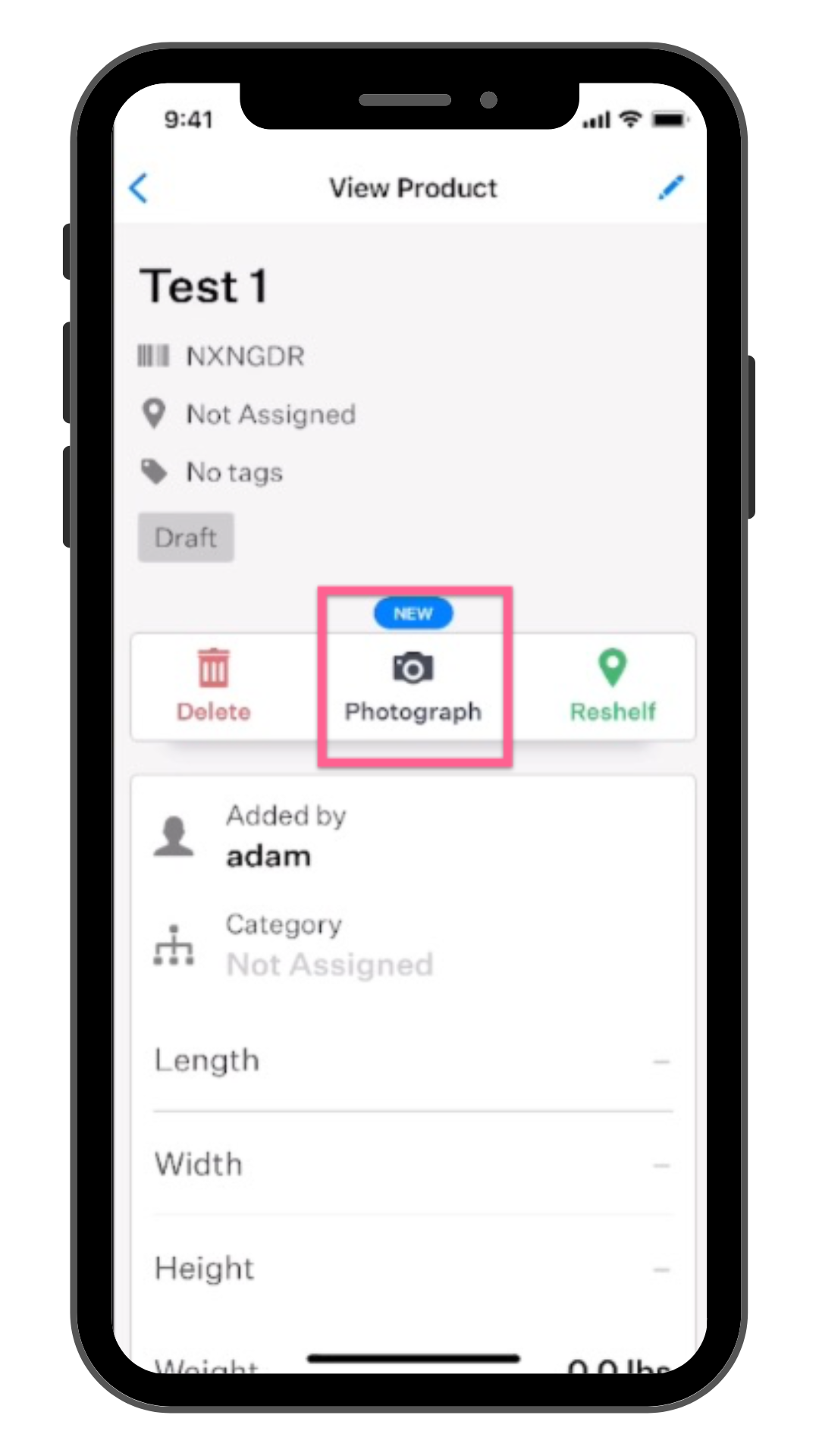
Photography Shortcut
We've added a photography shortcut to the product view page so you can start photographing with fewer taps.
Gallery View & Quick Edits
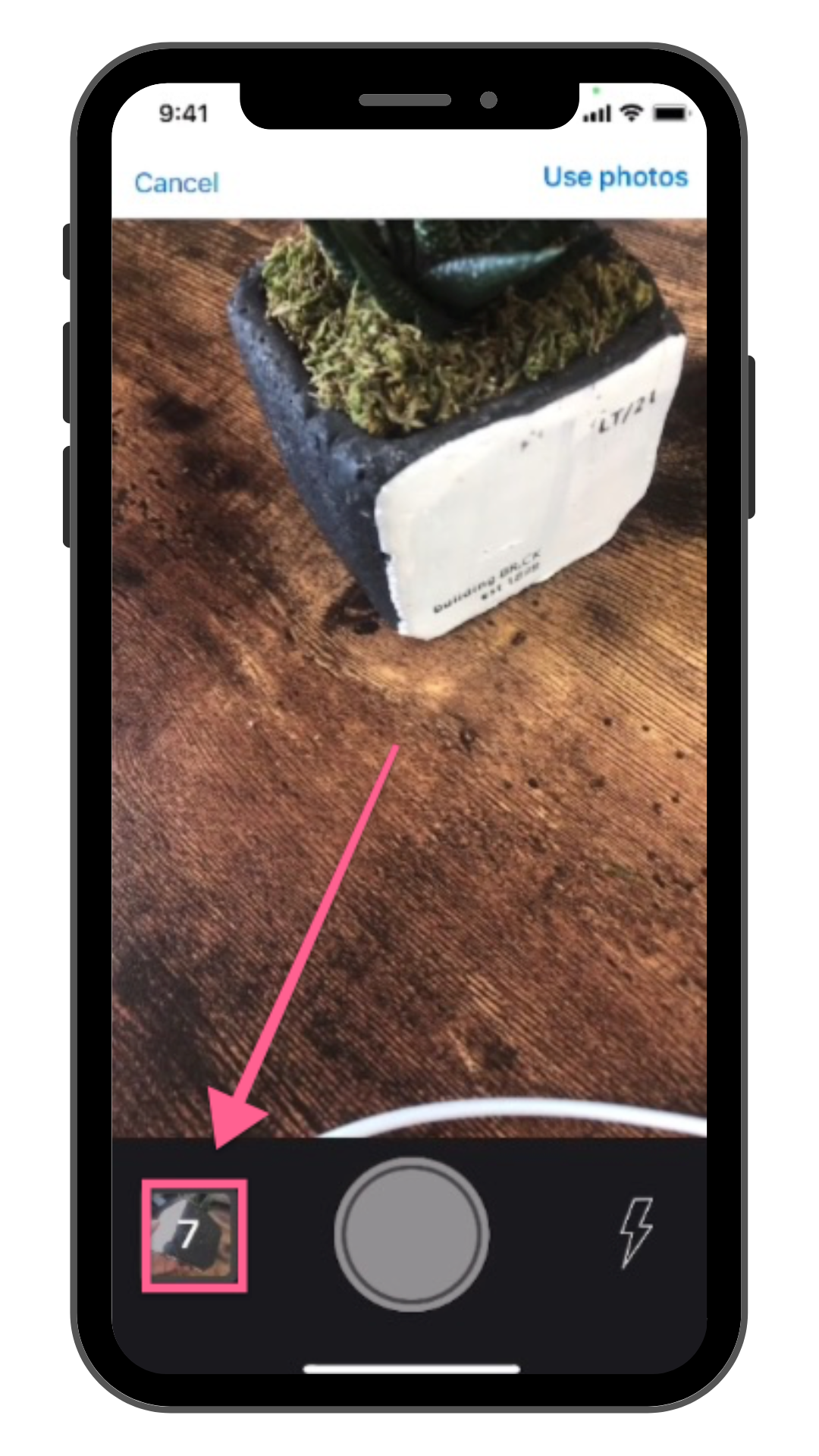
We've introduced a new "gallery view" screen to make quick edits faster and allow you to see photos full screen with fewer taps.
Gallery view is accessible by clicking on the photo preview while photographing or by tapping an image on the edit product screen.
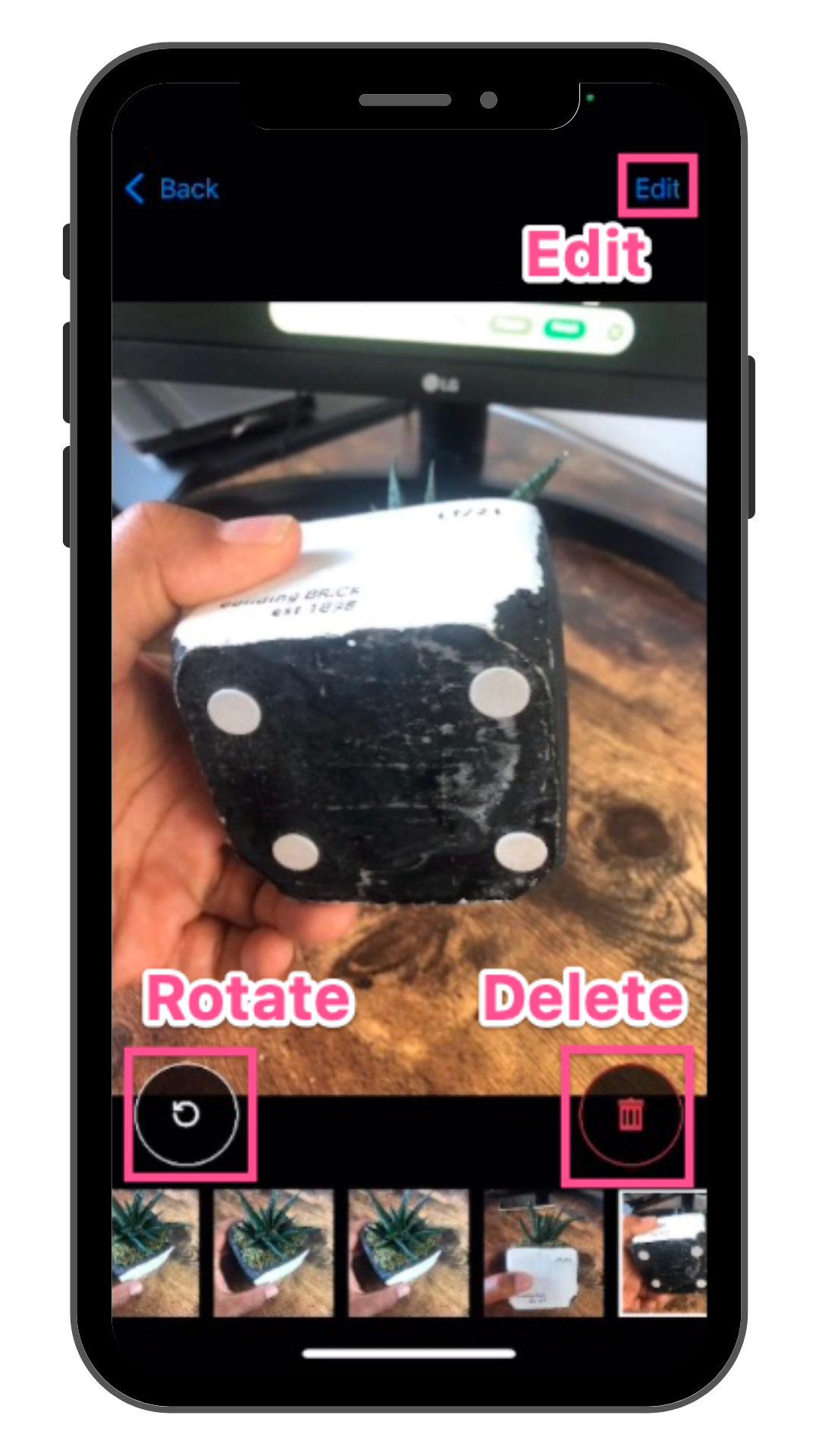
From the gallery view, you can...
- View all photos taken by swiping between them
- Use the quick rotate button to rotate your image
- Delete a photo by clicking on the trash can icon
- Go into full edit mode to crop photos and make more advanced edits
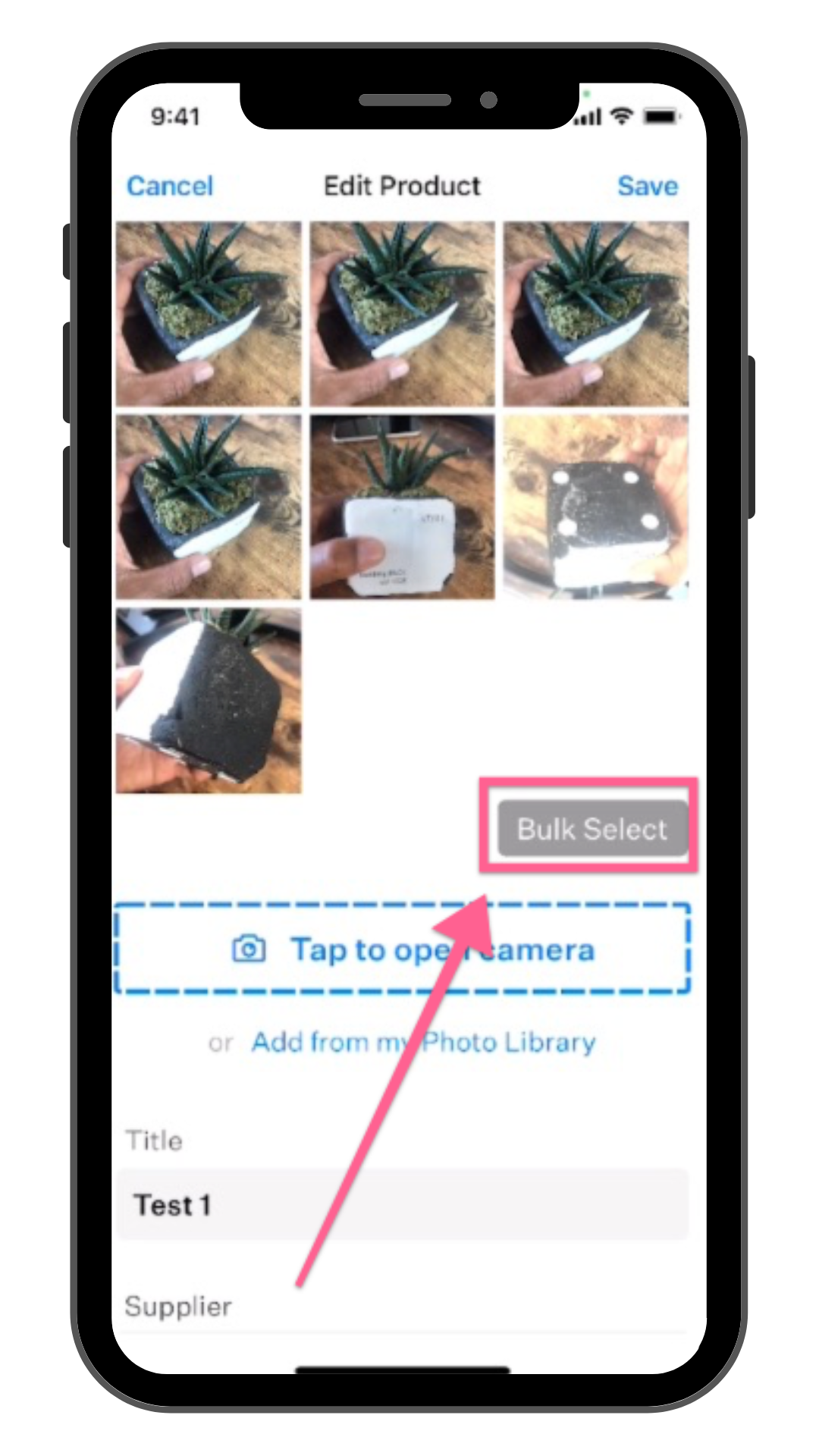
Changes to Bulk Deleting
To bulk delete photos, first tap the "Bulk Select" button then select the photos you want to remove.